Applications for Modeling: 7 Tools for Manufacturing
Compare 7 applications for modeling in manufacturing, from FreeCAD to CATIA, with pricing, strengths, and practical trade-offs for production teams.
Written by AI for Manufacturing
Modeling applications create parametric 3D representations of parts and assemblies, where geometry is defined by dimensions, constraints, and a feature history that regenerates whenever a driving value changes, and where that same geometry then drives machining, simulation, documentation, and production planning.
The decision in front of most plants isn't which tool has the longest feature list. It's which tool survives contact with your design-to-production workflow, your data policy, and your procurement rules. So why do two shops running near-identical software end up with wildly different first-pass yield? One has a model that machines cleanly on release, and the other has a model that gets rebuilt at the CAM stage by whoever is standing at the machine.
Model once, manufacture everywhere. The geometry you release should carry its own machining intent, its own tolerance logic, and its own revision record, so nobody downstream reconstructs it from a PDF.
That rule is the lens for the seven evaluations below. Each tool is judged on workflow fit, collaboration constraints, and licensing, not on a count of buttons. If your output is printed rather than machined, the same model hygiene decides the outcome, which is why teams working through industrial 3D printing applications hit identical questions about watertight geometry and export settings.
Table of Contents
- 1. Autodesk Fusion
- 2. SOLIDWORKS Design
- 3. Onshape
- 4. Autodesk Inventor
- 5. CATIA
- 6. Rhino
- 7. FreeCAD
- Modeling applications compared
- From Model to Manufacturing: How to Choose and What Comes Next
1. Autodesk Fusion
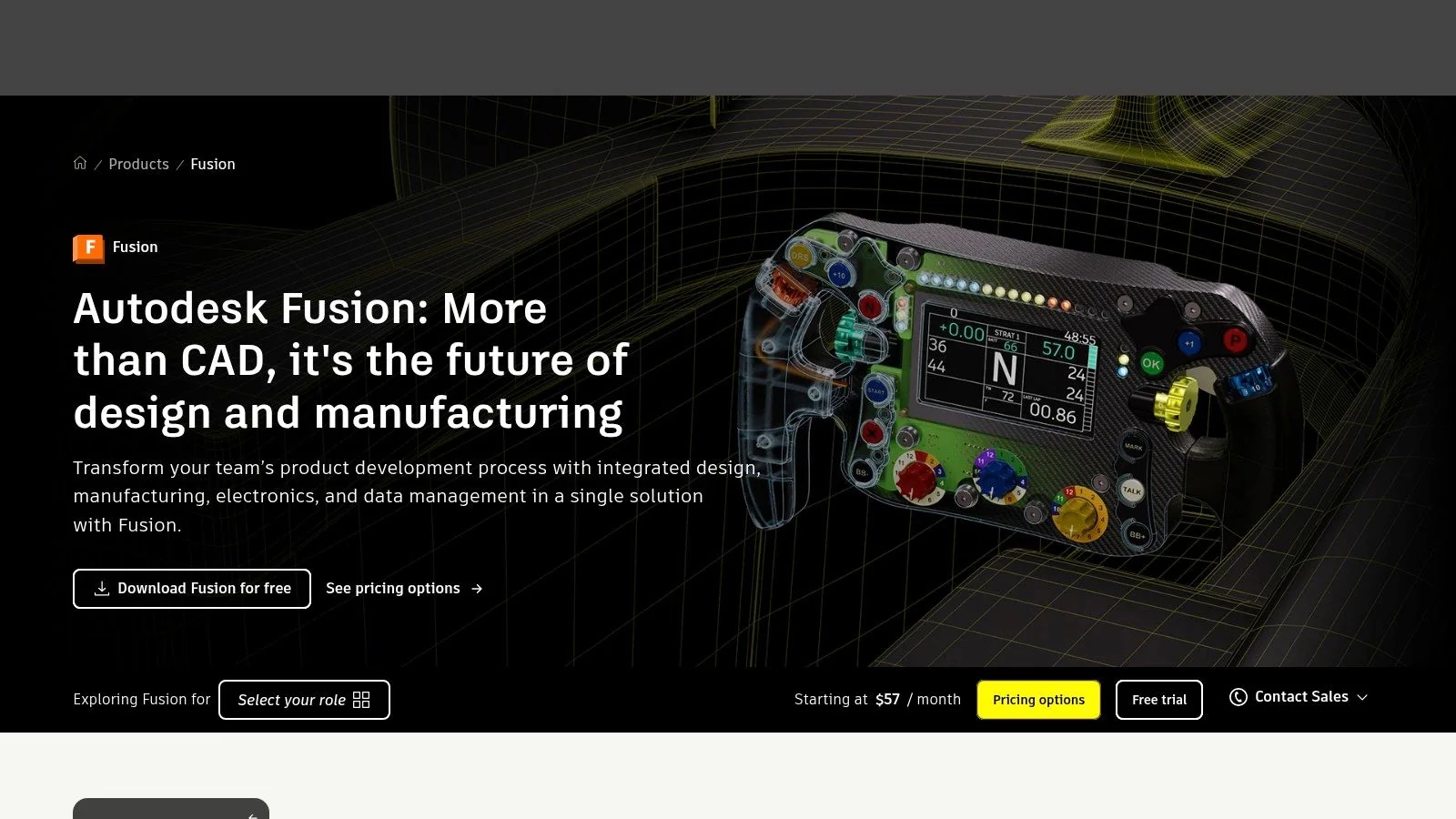
Autodesk Fusion suits workflows that need design, CAM, and simulation in one environment. Parametric and direct modeling sit alongside toolpaths, stress checks, PCB layout, and cloud project data. This can reduce file handoffs between design and machining, though the connected workflow depends on whether cloud collaboration meets the plant's data and confidentiality requirements.
A mathematical modeling example in a SIAM-hosted document describes automobile hood design taking 90 days before modeling and one day with it. The example illustrates how modeling can shorten analysis cycles; it does not establish that Fusion itself produced that result.
Where It Fits and Where It Pinches
Strengths
- Design and manufacture in one environment: CAM setup and simulation are available alongside the model, which can reduce the need to transfer geometry between separate tools.
- Personal-use option: A limited version is available to qualifying noncommercial users. It can support learning, but does not cover production work.
Trade-offs
- Broad scope takes time to learn: Teams may need to configure only the tools relevant to their workflow, rather than adopting every capability.
- Cloud data may constrain collaboration: Check project-data policies against customer confidentiality and export-control requirements before committing.
For a related example of machine monitoring, see the Autodesk Technology Centers deployment of Tulip on CNC equipment. Review Autodesk Fusion's product details against the team's design-to-machining workflow and licensing needs.
2. SOLIDWORKS Design
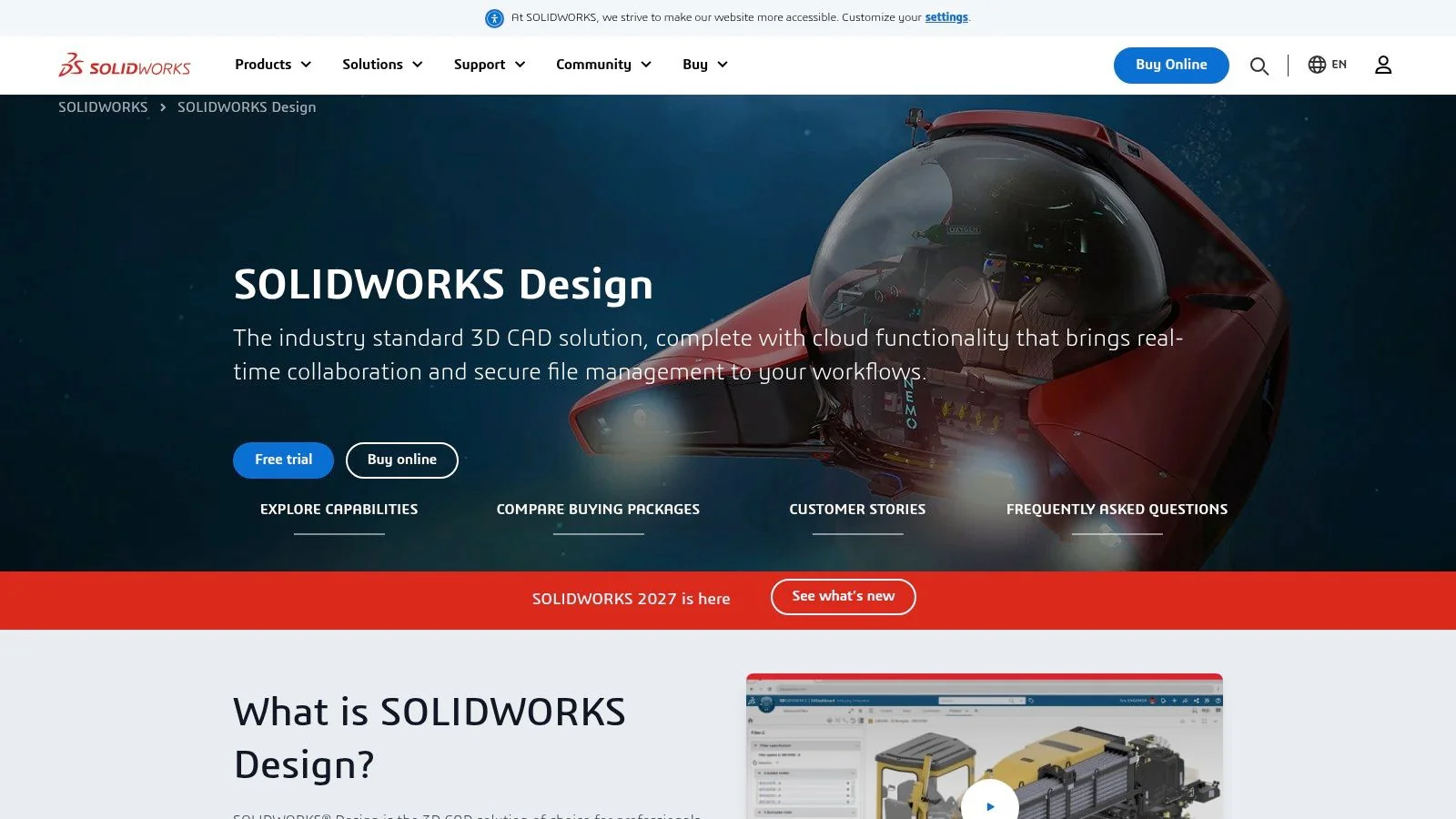
SOLIDWORKS Design is the mechanical CAD baseline that suppliers, toolmakers, and product teams expect to receive. It covers parametric parts and assemblies with 2D drawings, plus specialized tools for sheet metal, weldments, and molds, design and manufacturability checks, and cloud collaboration or file revision management depending on the configuration.
What the Tiers Actually Buy
SOLIDWORKS' U.S. pricing lists annual single-user plans at $2,820 for Standard, $3,456 for Professional, and $4,716 for Premium, and the tier decides whether simulation and manufacturing tooling are in the box.
Where that spend lands is visible in usage data. A survey of 500 engineering modeling, simulation, CPQ, and PLM professionals in the United States and Germany reported by ASME found 44% using modeling and simulation for performance testing, 37% for manufacturing-process simulation, 36% for product customization, and 35% for design verification. Verification and process work dominate, so buying Premium for a team that only draws parts is money spent on shelfware.
Pros: purpose-built for mechanical engineering, a clear tier ladder, and published pricing that lets you compare before a sales call.
Cons: a substantial per-seat cost for one user, features that shift between plans, and deployment and data-management requirements you confirm against your own IT estate rather than assume.
3. Onshape
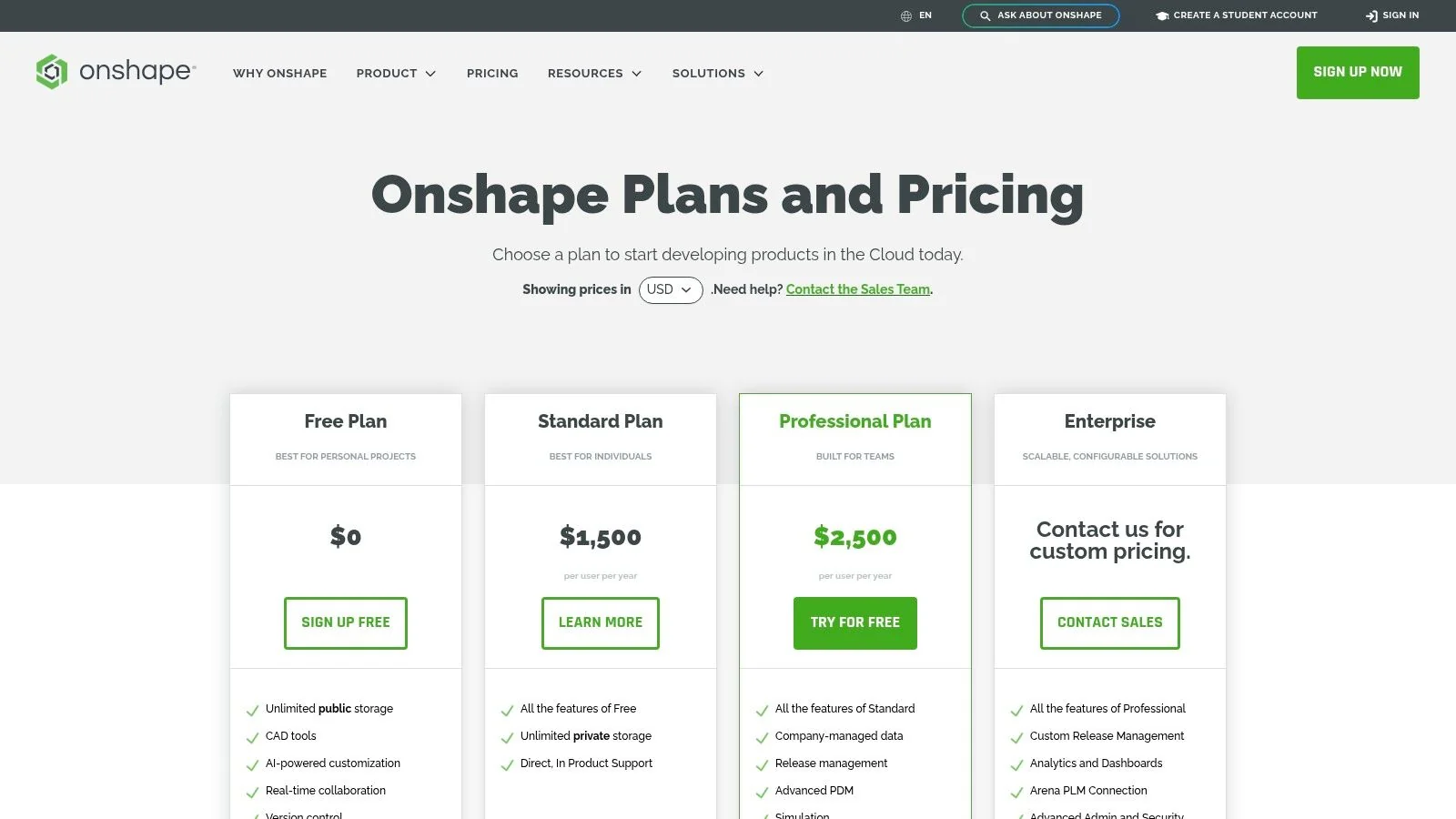
Onshape's argument isn't the solid modeler. It's the branch problem: two engineers editing the same assembly, version history that doesn't depend on someone remembering to check a file in, and product data management built into the platform rather than bolted on afterward. Simultaneous multi-user editing, version control, and browser or mobile access are core to the product, and Professional adds release management, simulation, and CAM.
Read the free tier twice before you model anything confidential. The free plan is for noncommercial projects and makes documents public, so customer geometry never belongs there.
The Branch Problem
Onshape's published pricing lists Standard at $1,500 per user per year and Professional at $2,500 per user per year, both per seat, both annual.
A single cloud document with a real revision history is also the cleanest foundation for a digital twin, because the twin needs one authoritative geometry to reference instead of three exports in a shared drive. NIST's 2024 estimate put the potential economic impact of digital twin adoption in manufacturing at $37.9 billion, with a modeled 90% confidence interval of $16.1 billion to $38.6 billion, per its economics of digital twins study.
Where it strains: cloud-only work fails where connectivity is unreliable or policy forbids browser-based data storage, and per-user annual pricing compounds fast across a department. Before you commit the architecture, the Pearson digital twin software best practices case study is worth an hour.
4. Autodesk Inventor
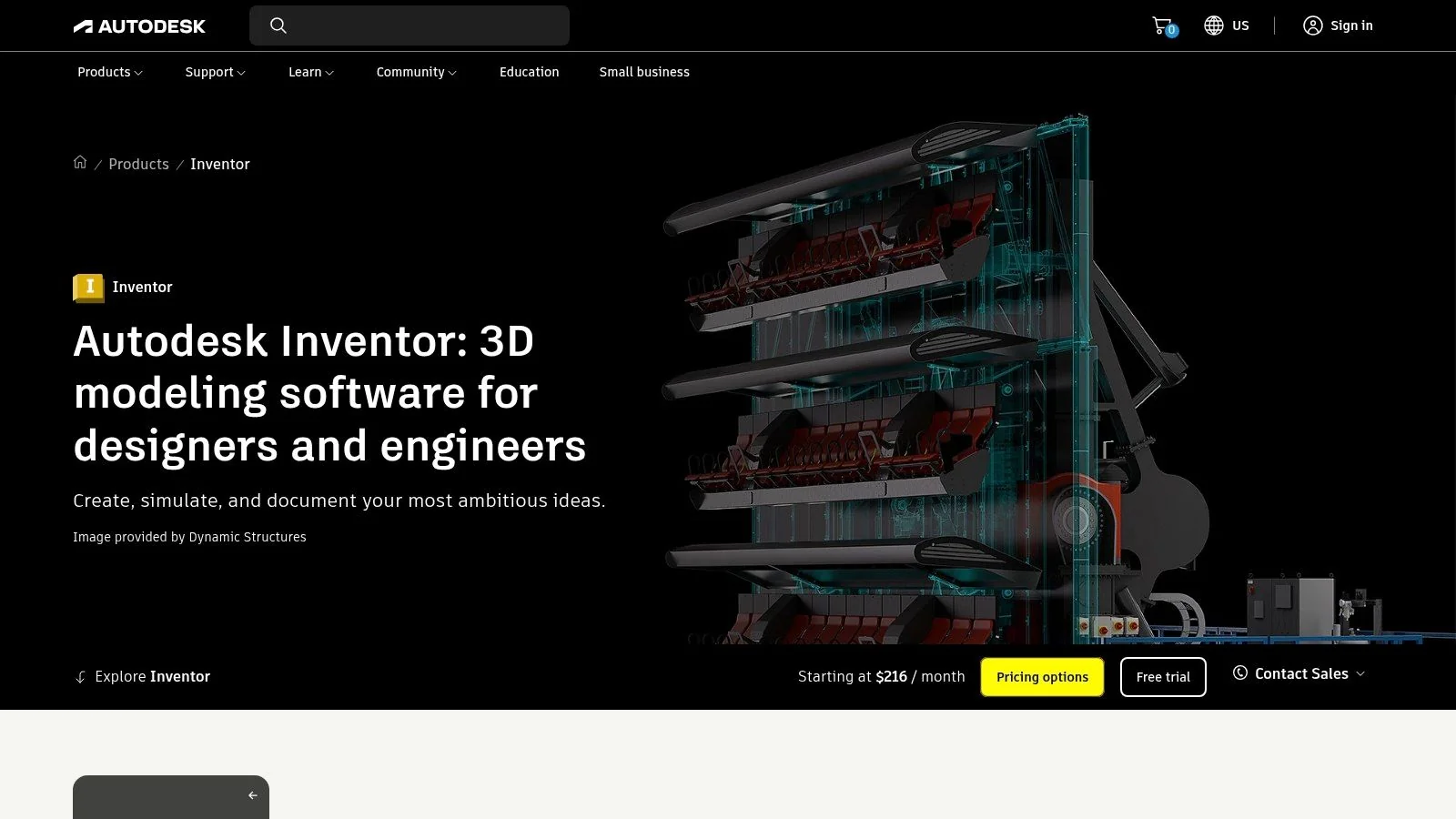
Inventor is the mechanical engineering workhorse in the Autodesk line: 3D part and assembly design, drawing creation, simulation and visualization, and integration with the wider Autodesk ecosystem. It suits teams building engineered assemblies where the drawing set is a deliverable rather than an afterthought.
The Parametric Inheritance
Constraint-driven design is a specific idea with a long tail. Adrien-Marie Legendre published least squares in 1805 and Gauss developed related work by 1809, per this history of the method, and the durable pattern is the one Inventor enforces: define the relationship between variables, measure the deviation between observed and predicted values, then choose parameters that minimize aggregate error. In a tolerance stack-up or a simulation setup, that discipline is what makes results reproducible instead of dependent on who ran the study.
Why teams pick it: mechanical focus, documentation built in, and a shorter jump for anyone already working in Autodesk tools or DWG drawings.
Why teams hesitate: it's more specialized than a general-purpose modeler, subscription cost and package availability vary by region, and interoperability with an existing PLM or CAM stack has to be tested on your own files rather than in a vendor demo.
5. CATIA
Which license actually covers the path from design through a manufacturability check, and which one only looks complete on a feature list?
CATIA is a platform. Mechanical Designer covers advanced part and product design, but the roles or applications you license decide what you can run, and those roles are where the cost lives. Larger engineering organizations with complex products and specialized workflows are its natural home. A small team doing straightforward part modeling will pay for a ceiling it does not use.
Specify the Twin, Not the Feature List
Before you sign, write down five items: the modeled entity, the physical data that updates it, the synchronization mechanism, the interfaces to factory systems, and the decision or control action the model feeds. NIST identifies ISO 23247, the Digital Twin Framework for Manufacturing, as a central standardization effort because it addresses how a representation connects to the physical system and its surrounding systems, per its manufacturing digital twin standards publication. A platform that cannot answer those five will produce an accurate model nobody uses.
If the model will influence safety, regulated equipment, or critical infrastructure, governance starts before the first role is purchased. Under the European Commission's AI Act framework, high-risk systems require conformity assessment, automatically generated logs, a quality-management system, and documentation retained for 10 years.
The digital twin manufacturing primer covers how these architectures get scoped before a license is chosen. Licensing and role selection cannot be evaluated without a vendor discussion, and pricing is not published as one universal figure. I would map each role to a step the team runs, design, a manufacturability check, or the handoff into machining, and drop any role that does not serve one of those steps. Shared roles also set the collaboration limit: sites can only work the same model where the licensed roles overlap.
6. Rhino
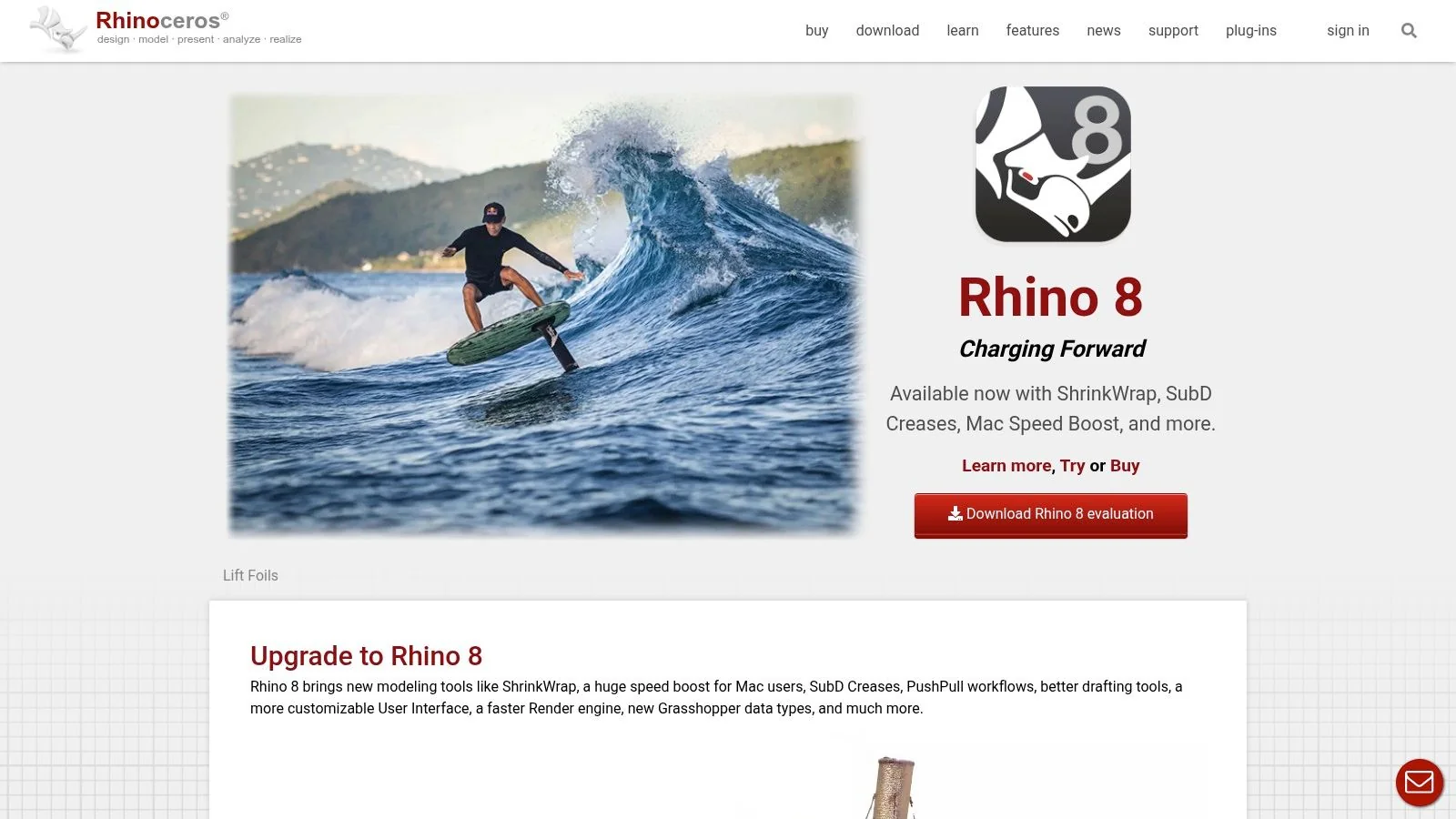
Rhino earns its place when the geometry is hard. NURBS and SubD modeling handle precise freeform surfaces, ShrinkWrap generates a watertight mesh from messy input, and Grasshopper drives visual, rule-based parametric design, so a family of variants comes from one definition instead of forty manual edits. Windows and Mac builds are both available.
Licensing That Changes the Budget
Rhino's licensing page lists Rhino 8 commercial licensing at $995 as a one-time purchase, with a 90-day evaluation.
A perpetual seat lets a tooling or fixture team capitalize three licenses for concept work and reverse engineering, then stop renewing them when the project closes.
Concept geometry also feeds downstream visualization, and the appetite is there. In IDC's 2023 Global Product and Service Innovation Survey, 25% of manufacturing respondents rated industrial-metaverse technology as very important for product and service innovation, per IDC's published summary.
What it won't do: Rhino isn't an all-in-one mechanical CAD, CAM, and CAE suite. Analysis, toolpath, and production data management come from other software, and the freedom of the modeler means your team defines its own standards, which is more setup work than a guided application demands.
7. FreeCAD
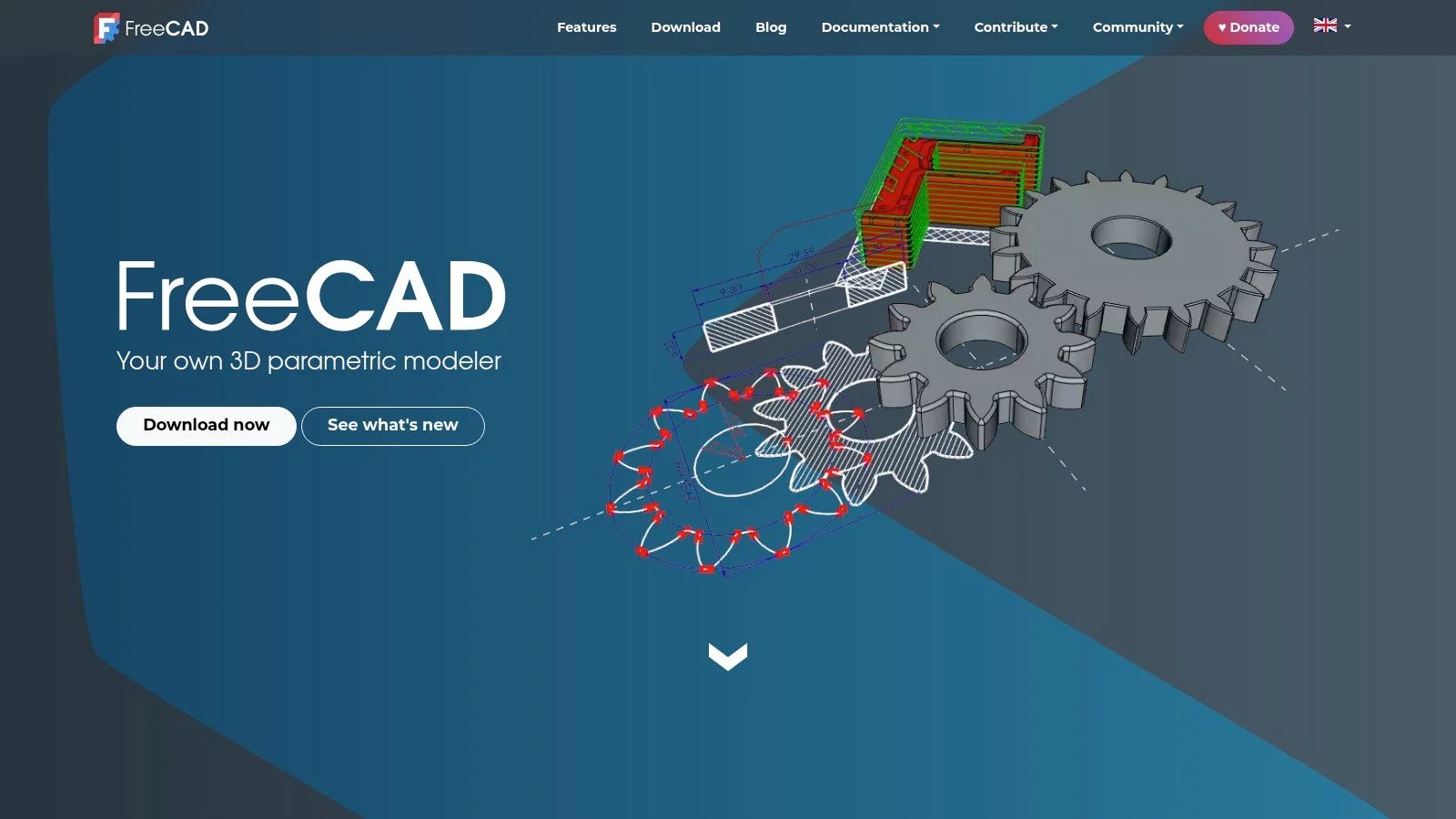
FreeCAD is an open-source parametric modeler built around a feature-based workflow: designs are revised by editing parameters in the model history rather than rebuilding geometry, constrained 2D sketches form the basis of 3D models, and drawing-generation tools plus community-developed add-ons extend it. It runs on Windows, macOS, and Linux with no license fee.
Free Is Not the Same as Affordable
Cost is the barrier manufacturers name most often. A 2025 manufacturing survey from Nationwide found cost was the leading barrier for 41% of respondents, ahead of integration difficulty at 38%, lack of expertise at 37%, and 33% who worried AI would not perform as expected. The same survey work reports 82% of manufacturers lacking the skills to use AI effectively and 65% lacking the right data.
Read that list in order. Removing a licensing fee solves the first problem and leaves the second and third untouched, which is why an open-source seat often ends up as a sketch tool in a plant that never commits to it.
Where it holds up: no license fee, no vendor lock, and identical behavior across three operating systems, which matters on a mixed fleet of engineering laptops.
Where it bites: the project describes the software as evolving, so test it against production requirements before a part reaches a customer. Add-ons vary in maintenance, and a plant that needs a support contract and an escalation path should price that gap accurately.
Modeling applications compared
| Tool | Deployment | Licensing model | Best for |
|---|---|---|---|
| Autodesk Fusion | Cloud-based | Paid commercial plans; limited personal-use option | Connected design-to-production workflows |
| SOLIDWORKS Design | Desktop; deployment options should be confirmed | Paid annual plans with tiered features | Mechanical engineering and product design |
| Onshape | Browser-based cloud platform | Free public noncommercial plan; paid per-user annual plans | Collaborative CAD with built-in data management |
| Autodesk Inventor | Desktop application | Subscription; pricing and availability vary by plan and region | Mechanical design and engineering documentation |
| CATIA | Enterprise engineering platform | Role- or application-based licensing; terms vary | Complex products and specialized engineering workflows |
| Rhino | Windows and Mac desktop software | Perpetual commercial license; evaluation available | Precise, complex, and visually distinctive geometry |
| FreeCAD | Desktop software for Windows, macOS, and Linux | Free and open source | Parametric modeling without licensing fees |
From Model to Manufacturing: How to Choose and What Comes Next
Start with the deployment model, because it's the criterion that eliminates options fastest. If policy forbids browser-based data, that removes Onshape and constrains Fusion before you've compared a single modeling feature. If engineering works across three sites and two operating systems, an installed tool on Windows-only infrastructure creates a support problem you'll fund every quarter.
Then match the licensing model to procurement reality. Per-user annual subscriptions suit teams that scale up and down and want simulation included. A perpetual seat at $995 suits a fixture or tooling group whose headcount is flat. Open source suits a plant with strong internal skills and no need for an escalation path, and it's a poor fit for one with neither. A model released for production is a controlled document, and whoever controls it needs a defined owner.
Interoperability should be verified before commitment, not after. Export one assembly to STEP AP242 and one to Parasolid, then open both in your CAM system and your PLM vault. Ask about post-processor support for your specific machine and control combination, and check who maintains it when the controller firmware updates.
A three-step pilot covers this in under two weeks:
- Model one live part in the tool, not a tutorial bracket. Use the part that generates the most engineering-change orders.
- Run it through documentation and manufacturability checks, including a drawing release, so you see the drawing templates and check rules the tool ships.
- Confirm data-export fidelity by round-tripping the file into machining and inspection, and note every manual repair step. Manual repairs are the cost of a licensing decision.
Modeling is the point where AI in manufacturing connects. A model is the reference object that predictive quality, preventive maintenance, and yield-optimization systems attach to, and the constraint on those programs usually isn't model accuracy. The Manufacturing Leadership Council's AI-powered factory report found 78% of manufacturers struggling with legacy systems, poor connectivity, and integration, while 66% report difficulty scaling AI pilots into full production. Modeling discipline is what makes a pilot portable instead of a one-off.
Before committing a tool to a new product introduction, prep the prototype properly so the model gets tested against a real build. And when you're ready to evaluate what the model feeds into, the AI for Manufacturing database catalogs 800+ documented implementations with measured outcomes, sends a weekly briefing of new case studies, and accepts submissions from vendors and manufacturers.
